

How to use ParkMate
at Les Mills Auckland City
Set up ParkMate app
1. Download ParkMate and Sign up.
– Use the same email to sign up as your Les Mills account.
– If you already have an account with a different email, you can update it in ‘Settings’.
2. Go to the menu, add your payment details (‘My wallet’) and licence plate (‘My vehicles’). Note, these must be valid to start a session.
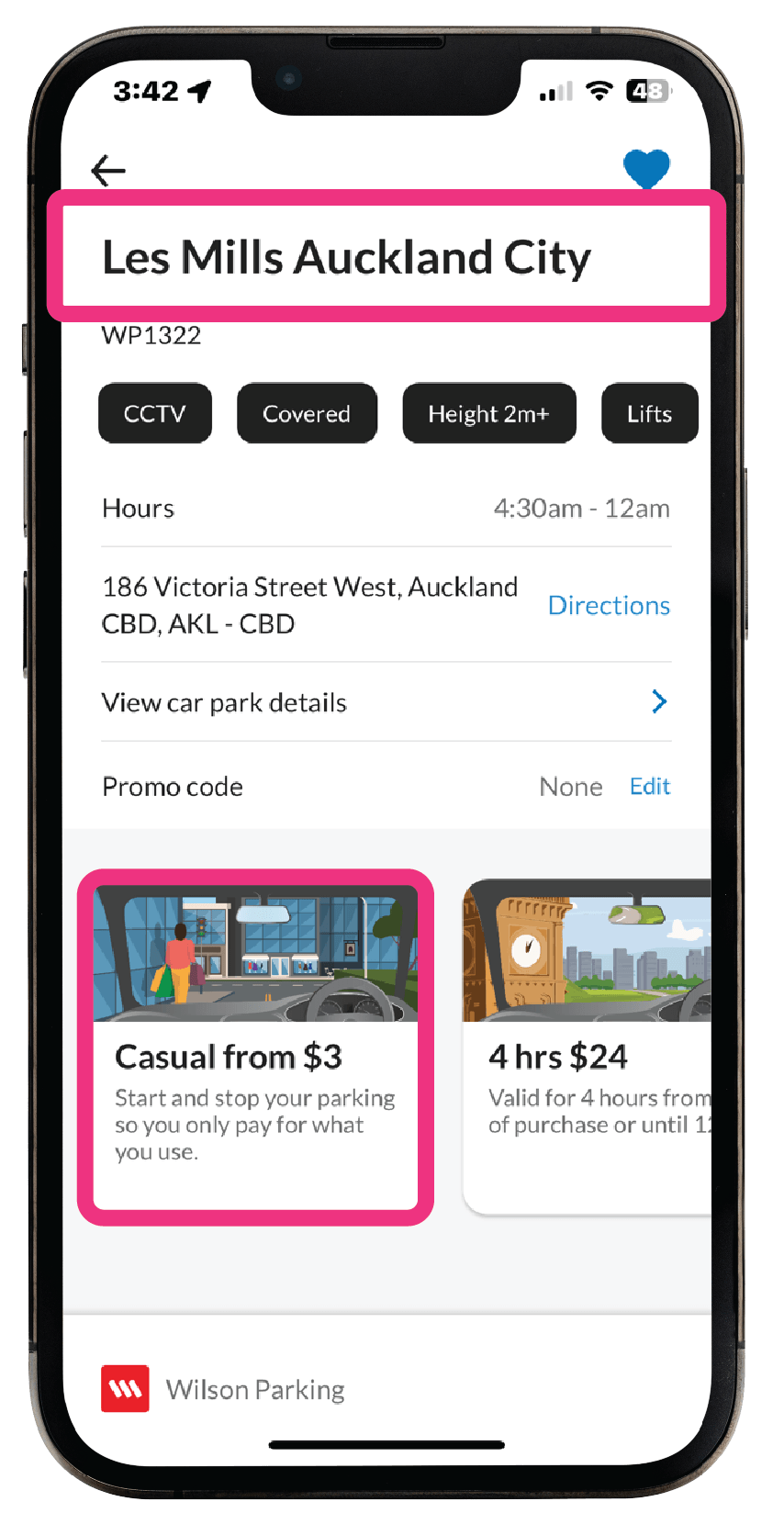
3. Select the ‘Les Mills Auckland City‘ car park.
4. Choose the casual product, then ‘Confirm and start parking’.
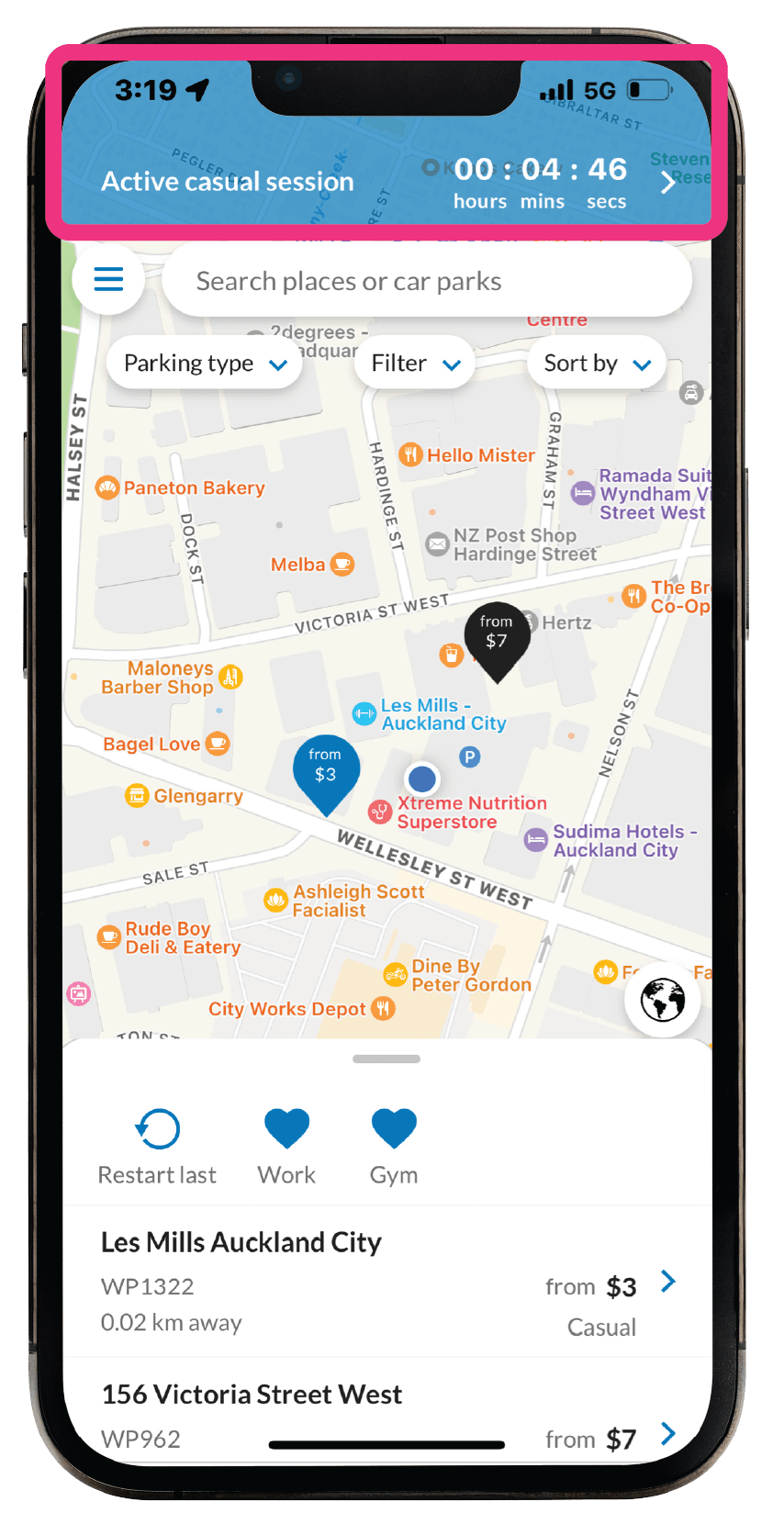
5. Once you return to your vehicle, open ParkMate, select the active parking session, and ‘Stop parking session‘.
Les Mills 2 hours free promo code
To receive the promo code, swipe your membership card at the turnstile, and this will automatically apply the free period promo code to your active session.
You will get a notification when the promo code has been added to your session.

Ensure you have an active session before swiping your gym card.
Confirm that the promo code ‘LMAKL’ has been added to your session.
If not, try swiping again or you will be charged for parking.

Licence Plate Recognition (LPR)
If you wish to use LPR, you can turn it on in ‘My vehicles’. Select your licence and turn on “Licence plate recognition”.
Then, drive in/out of the car park and the cameras will read your licence plate and start/stop your session automatically.
A notification will be sent to your phone when the session has started & stopped.

If you DO NOT receive a notification when you enter/exit the car park, you must start/stop your parking session manually.
Find out more about Licence Plate Recognition
Important to note

You can’t use LPR when your licence plate is on multiple ParkMate accounts (e.g. when sharing a vehicle with another member). You must start and stop your session manually.

The LPR cameras are 96-98% accurate, so there will be instances when the LPR might misread the licence plate. If this happens, you need to start/stop the session manually.

If your parking exceeds the 2 hours free, you will be charged casual rates plus a 50c transaction fee for the extra time.

Ensure you have the notifications permissions turned on from your phone’s settings.
If you have any questions, please contact the Les Mills team or contact us at:
support@parkmate.co.nz