
Restart button
Start your parking with 3 clicks at the same car park and session as last time
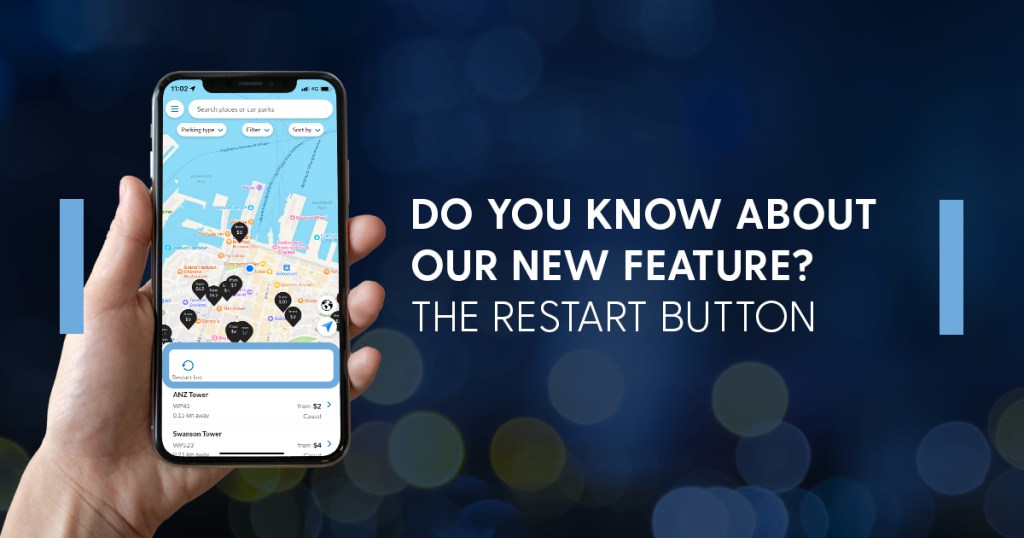
Parking at the same car park and using the same product/session as last time? Use the restart button.
If you have parked within 7 days, the restart button will take you back to the last session you parked with making it even easier to pay for your parking.
How does it work?
2 easy steps.
- Click the restart button (found above the list at the bottom of the home screen)
- Select confirm on the screen and the pop-up (if the product you had previously used is unavailable you will be taken to the car park screen to select a valid product)
Please note:
If you cannot see the restart button it may be due to one of the following reasons:
- you are not on the latest version of the App.
- you have not used the App to start a parking session yet
- you have not started a parking session in 7 days